Mastercam’s Virtual Rollout Series Part 2 runs today, October 14, from 11:00 a.m. to noon. The product team is walking shops through Design, Machine Systems, Lathe, Mill-Turn, machine-group setup, tooling, and verification in Mastercam 2027 — the production-focused release CNC Software shipped on July 1 for CONNECT customers.
The session that matters most for complex cells is Mill-Turn. In 2027, Machine Group Setup replaces the legacy Job Setup workflow and puts the machine model into the graphics area through a temporary viewsheet the moment setup opens. Programmers can check spindle orientation, workholding, stock placement, and overall machine configuration with the physical cell on screen instead of configuring blind.

Setup is organized into dedicated tabs — Machine, Machine Configuration, Setup, Planes, Left and Right Spindle, Geometry Selection, and Tools — so multi-spindle and multi-channel work can be walked one area at a time. The Component Library got the same panel-based redesign as Machine Definition: select a component, see it in the graphics window, edit properties beside it. For teams that bounce between milling and Mill-Turn, the interface finally matches.
That visual setup story sits on top of the wider 2027 motion and automation push Mastercam already shipped: fixture-aware and part-aware toolpaths, a major deburr overhaul with backside chamfer support, and smoother Multiaxis and Unified motion. CONNECT shops also get the EverPath Technology beta — a unified programming workflow with smart automation, real-time toolpath updates, and seven new toolpaths — plus broad language packs on day one for global teams.
Verification still closes the loop. Mastercam’s own guidance for 2027 stresses more accurate tool definitions in simulation and clearer separation of local versus global machine configurations so posted code matches the shop floor. That pairs with the broader industry push — from GPU stock models to AI-assisted strategy agents — to cut wait time without skipping prove-out. Watching the sim still beats trusting a green check mark.
For N23D, the lesson is machine-aware CAM: the program is not done when the toolpath looks clean in a void. Spindles, fixtures, and stock have to live in the same workspace as the cut, and that model has to travel with the job into MES and the cell. Today’s rollout is a reminder that setup clarity is a manufacturing feature, not a UI nicety.
Sources
- Mastercam 2027 Virtual Rollout Series: Part 2 – Design, Machine Systems, Lathe, Mill-Turn & More (Oct. 14, 2026)
- What is New in Mastercam 2027 for Mill-Turn Users?, Mastercam (July 23, 2026)
- Mastercam 2027 Focuses on Motion Quality, Automation, and Setup Efficiency (July 1, 2026)
- Mastercam 2027 product page
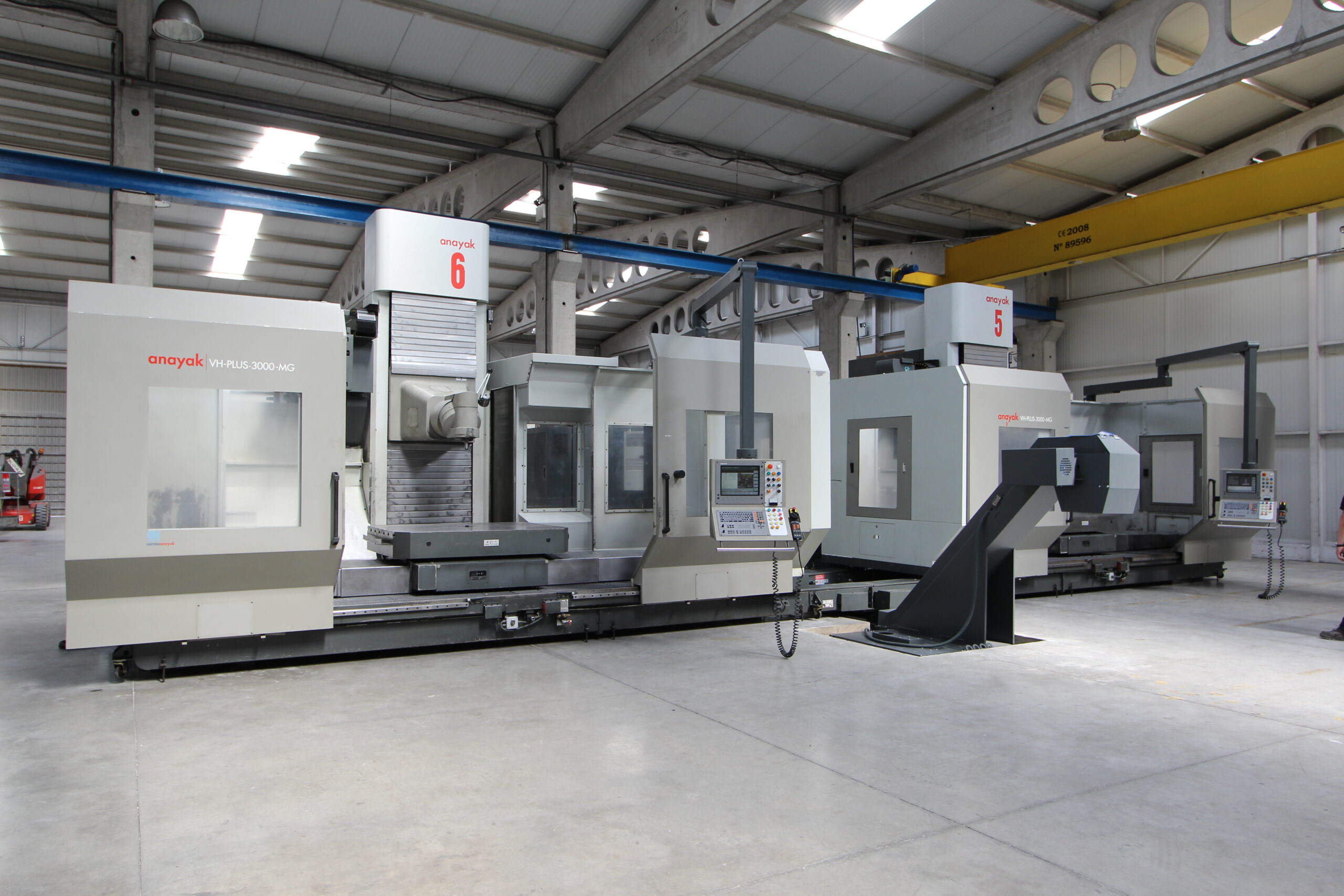
Featured photo: Milling machines in the Xcentric Ripper Int. factory by Ana 2016, CC BY-SA 4.0, via Wikimedia Commons.
